Github as CMS - Forestry.io
What is it?
Forestry.io is a CMS that I came across recently that had a very interesting proposition:
everything your do on your CMS is a git commit.
this sits very well with the idea of the JAMstack architecture (Javascript, APIs, Markup).
for the longest time I have been writing my gatsby blog posts on markdown files on an VSCode, which, while fine for me, probably wouldn't sit well with content authors who use wordpress or other traditional CMSes.
Now with Forestry.io, you can provide content creators (or anyone not interested in blogging on an IDE) with a beautiful, simple interface with which to write content, and publish.
Since every update is a git commit, you can rewind your blog/website back in time if you feel like it, by just rolling back several commits and deploying that version! Also applies if you don't like what your fellow editor wrote after a particularly drunken night ;)
so to recap: JAMstack + Git based CMS = (♥ω♥*)
you: gimme a quick start!
below is a happy path quickstart using a gridsome (vuepress) starter template and netlify for deployment. feel free to stray off the beaten path at your own leisure.
here you go, from zero to deployment in 25 steps (24 if you don't eat the banana):
Make your Site
- Sign in with your github account
- go to forestry.io and click on
Select a Starter Template. - on the
Create a Site, click onGithub(or gitlab) to allow forestry.io access to your account. - go have a banana.
- when Forestry has done it's thing, take a look around.
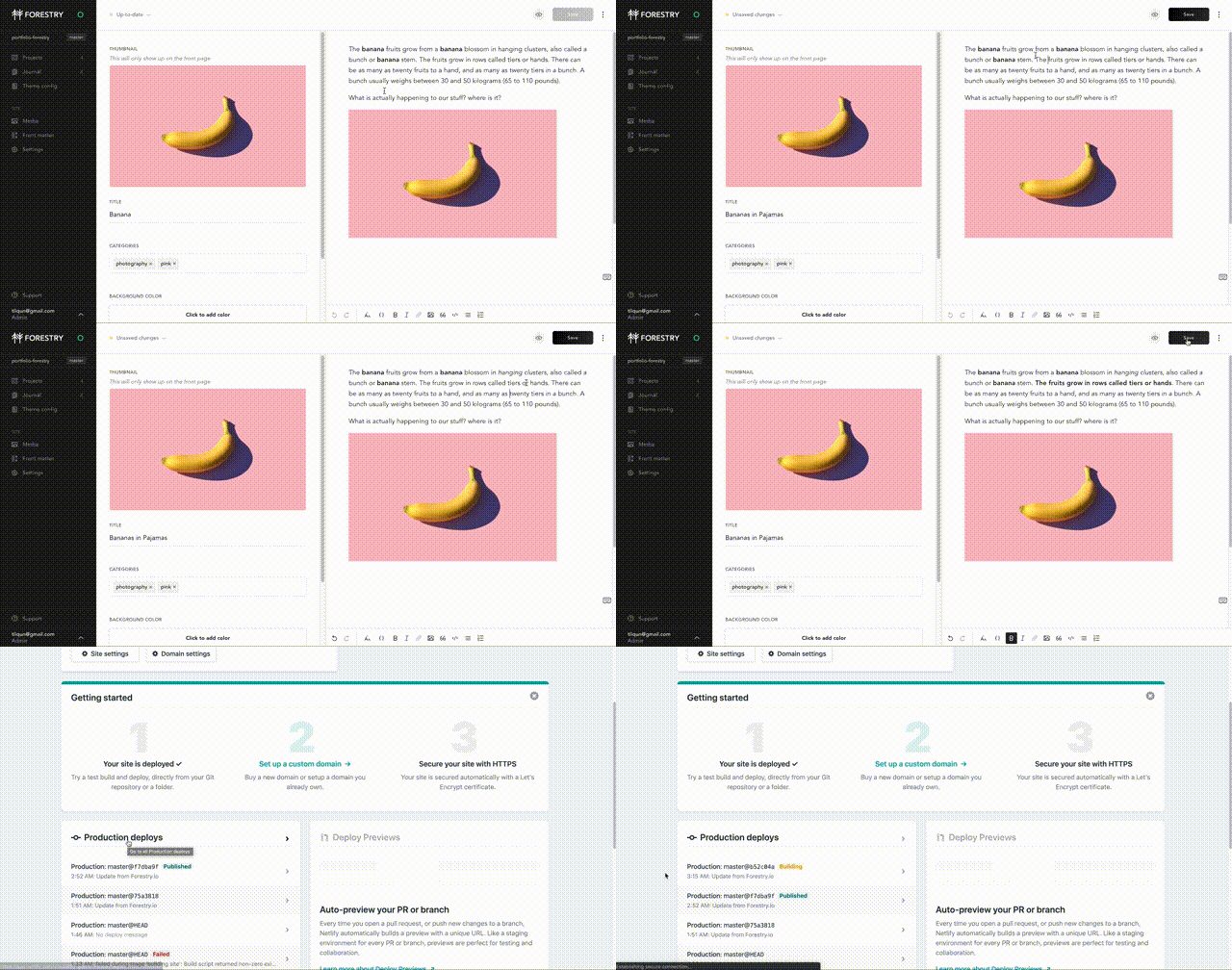
- change some text, say your hero title under the
theme configsidebar. - press
Save - visit your github / gitlab repository where your project is.
- notice that your changes have been commited to your repo.
- rejoice.
Deploy to Netlify
- Sign in / up to Netlify
- Click on
New site from Git - Connect to Github (or gitlab, wherever you placed your site previously)
- search for your repo (if you were using defaults, it's
portfolio-forestry) - if you picked a gatsby starter template, netlify knows it and sets up your
build commandandpublish directoryfor you. But since you've followed along and used Gridsome, you have to manually add it in. - go to your repo again and look under your
package.jsonfile. - the starter template has a build command, called
build, using npm. - go back to netlify, and type
npm run buildinto your build command. - which directory will it build into? I found it by cloning it onto my local device and running
npm run buildto see where it went. You're smarter, you can visit gridsome and find out that it builds into thedistfolder. - click
deploy site. - stare at the yellow text until it turns green.
- visit your site.
- go back to your forestry.io cms and change some content.
- visit netlify again and see that it rebuilds everytime changes are pushed to master. (default. if you want it set differently, you can setup webhooks instead)
- rejoice.
Instant Preview (while writing your content)
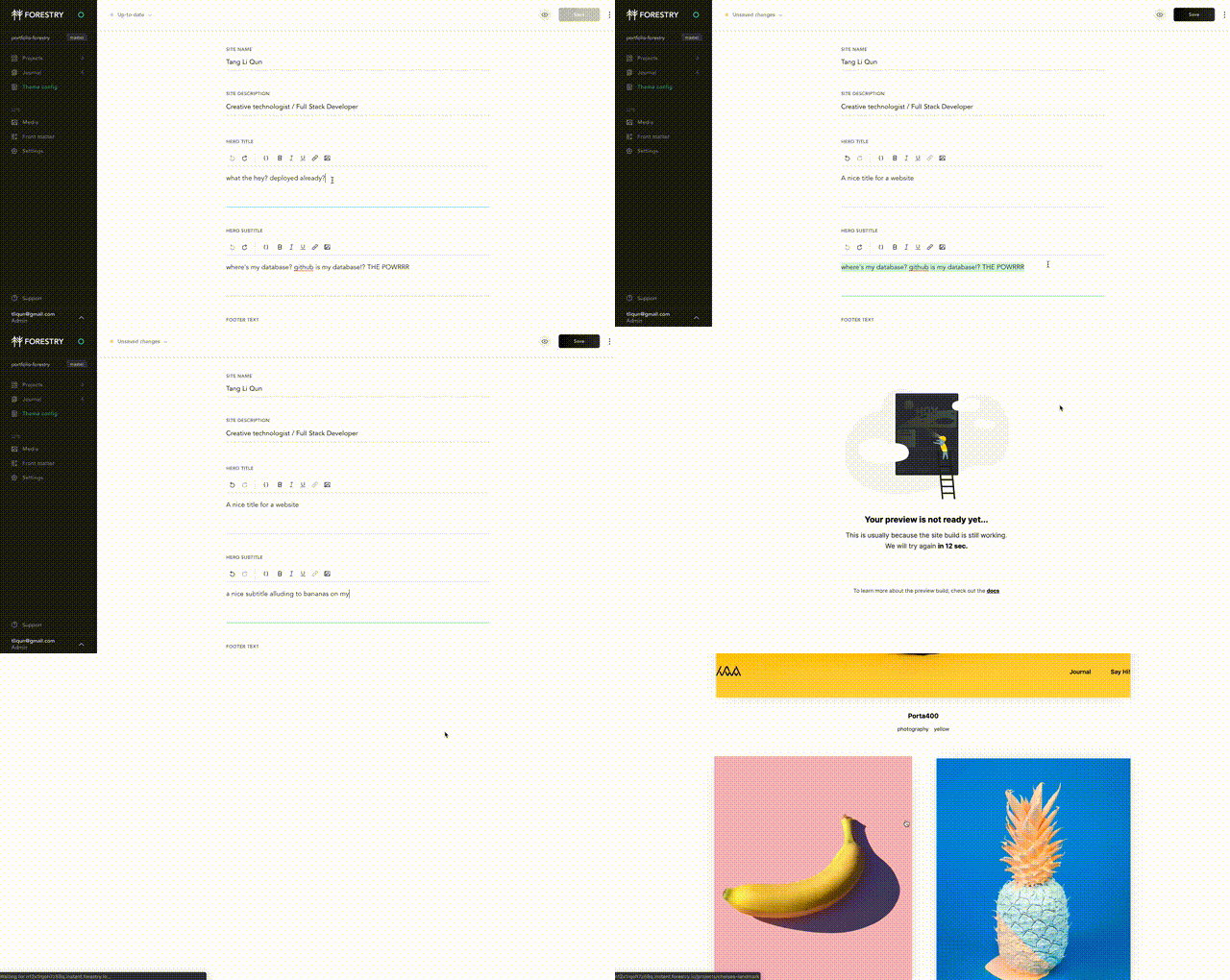
sometimes pressing save and waiting for your site to rebuild from scratch just don't cut it. for quicker previews use instant previews.
- go to your cms dashboard on forestry.io
- visit settings > previews.
- click
start preview. - now whenever you are editing your content, you can click on instant preview, wait a smidge and immediately see a draft of your website!
disclaimer
- this is still early days for me with Forestry.io, and I have a naive optimism that this will go pretty far, so i'll be trying it out extensively over time.