Ghost: Importing and Exporting CMS content
the problem
Ghost doesn't make it easy for you to migrate ghost installations if you don't have access to the underlying server (e.g. your ghost is a docker installation hosted on a service that doesn't allow you to access its container instance, like Zeit Co's Now)
where are my images from Ghost?
in content/images
Ghost provides
- exporting your database in the form of a JSON (ref)[https://ghost.org/faq/the-importer/]
- importing your JSON database file (ref)[https://ghost.org/faq/the-importer/]
- importing your
content/imagesfiles as a.zipfile (albeit in a very under-documented fashion) (ref)[https://docs.ghost.org/api/migration/#importing-images]
Ghost DOES NOT provide
- exporting your
content/imagesfiles
why?
i can't think of a non-cynical answer to this so i prefer not to comment.
how do i export my images from my Ghost CMS?
The manual way
- inspect every image to find out its path in Ghost
- download the image
- replicate the file structure as defined in the current Ghost instance
- banner images: your image probably lives in
src="/content/images/size/w2000/2019/06/Screen-Shot-2019-06-17-at-17.04.44.png", then your image file should sit incontent/images/2019/06/Screen-Shot-2019-06-17-at-17.04.44.png

- post images: if your image is a local image within a post, it's probably not processed and served as-is, so copy paste the structure (e.g.
/content/images/2019/06/Screen-Shot-2019-06-19-at-17.10.05.png)
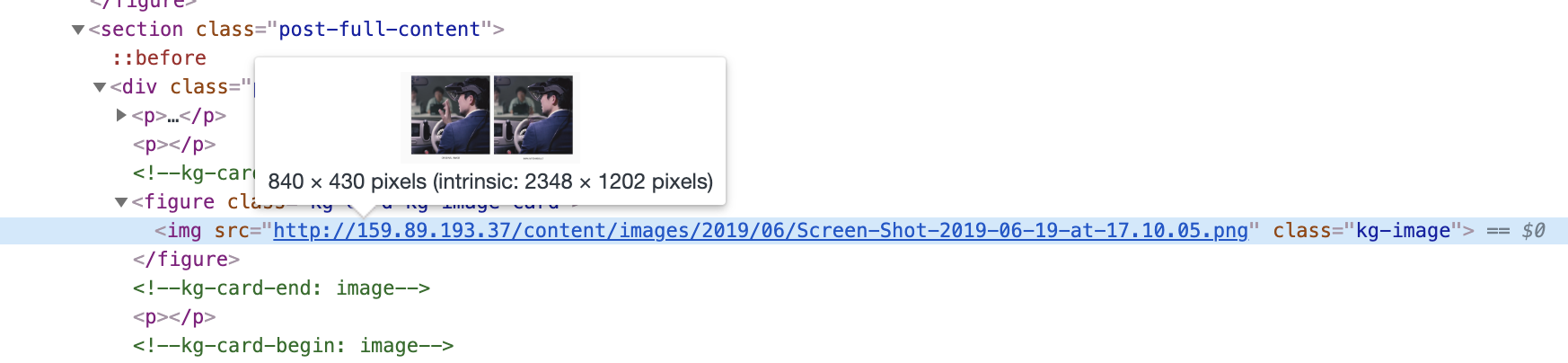
- once you have all the images you need, zip the
contentfolder and import the.zipfile using Ghost'slabs > importfunction.
The scraper way (untested)
- scrape image links on the existing website
- recreate the folder structure based on those links
- download all files (web scrape) and put them in the same structure
- output a
.zipin order to upload onto the new Ghost instance.
The automatic way (untested)
WORK IN PROGRESS
- planning to write a plugin for Ghost that will allow the export of the
contentfolder